
locket run
locket run pantahub/stage -- ./deploy.sh starts the command with that workspace's variables in its environment. Locket prints the workspace and a count, never a value, and exits with the command's code.
Zig & Oriel · Linux · CLI + desktop app
Locket is a local vault for the API keys, tokens and connection strings your AI agents need. They run commands through it, and the values land in the command's environment, never in the chat, the logs, ps or your shell history.
01 · what it does
Not a cloud vault and not a password manager: one sealed file on your machine, and a single command that hands a workspace to a process.
locket run pantahub/stage -- ./deploy.sh starts the command with that workspace's variables in its environment. Locket prints the workspace and a count, never a value, and exits with the command's code.
A project groups what one agent or tool needs; its workspaces hold one environment each: stage, prod, a teammate's sandbox. Every project has a default, so locket run pantahub just works.
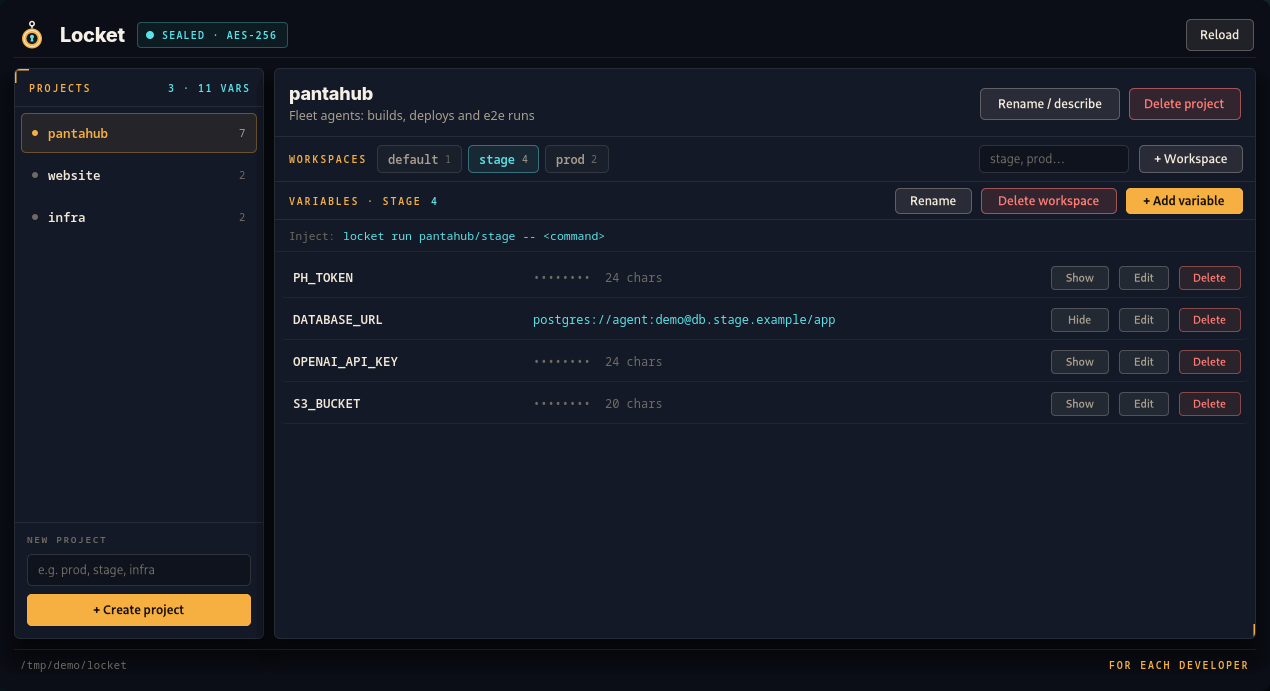
Create projects and workspaces, add, edit, reveal and delete variables in a window built with Oriel: compiled views, no web view, no JavaScript. It manages the same vault as the CLI.
Values come in on stdin, so they never sit in argv or shell history. The window masks them as •••••••• N chars until you click Show, and they're zeroed in memory when Locket is done with them.
Several agents and the window can change the vault at once: every edit holds a lock from read to save, and saves are fsynced and renamed into place, so a crash leaves the old vault or the new one.
No server, no account, no network. The CLI is one static binary with no GUI libraries; everything lives in ~/.local/share/locket. Free and open source under the MIT license.
02 · the app
Projects on the left, workspace tabs on top, the selected workspace's variables below, and the exact locket run line for it.
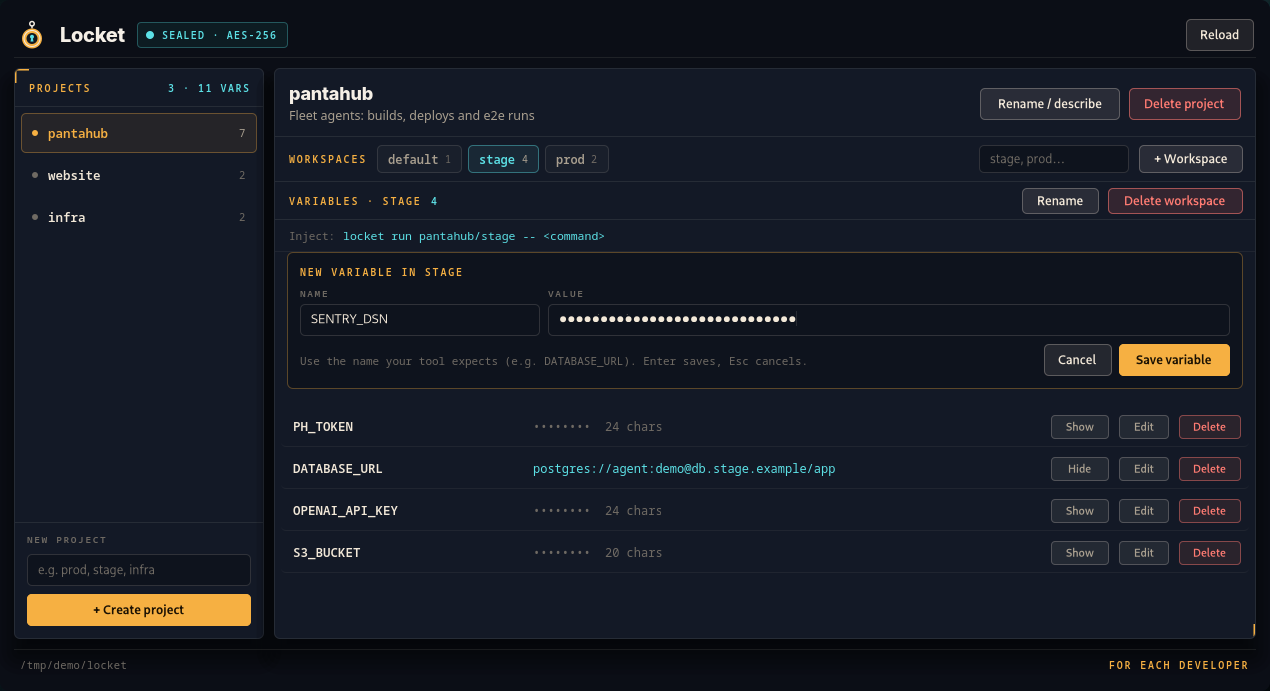
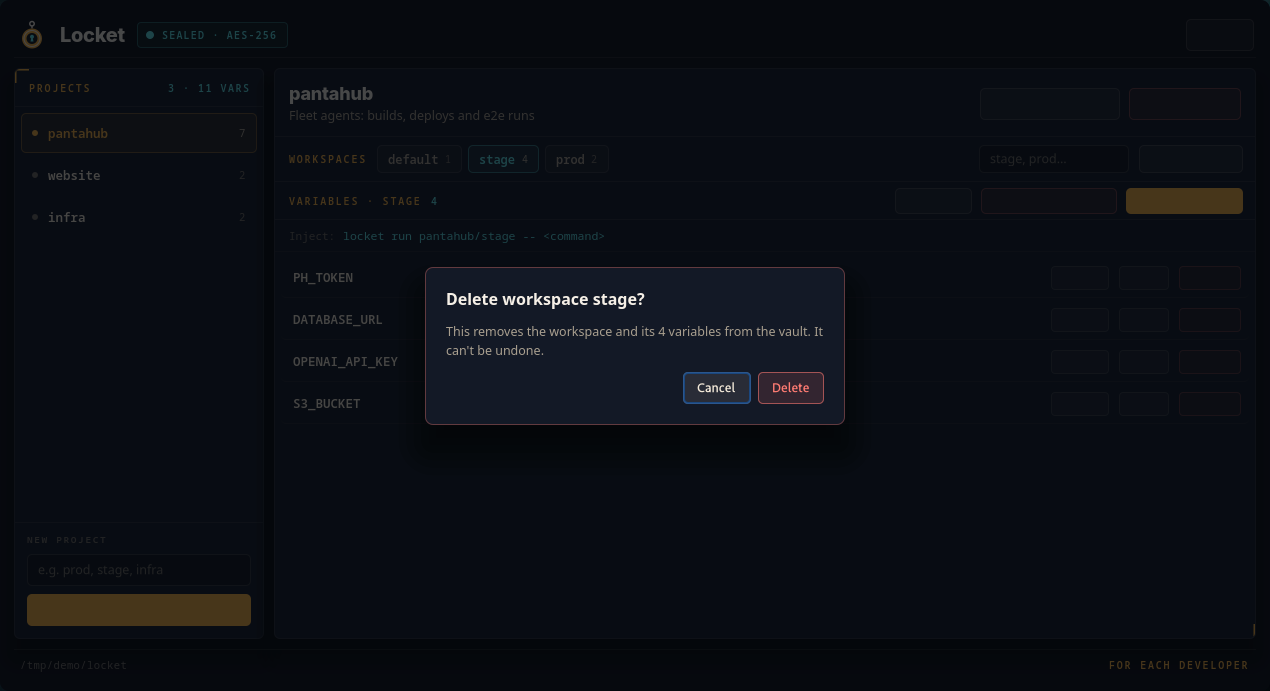
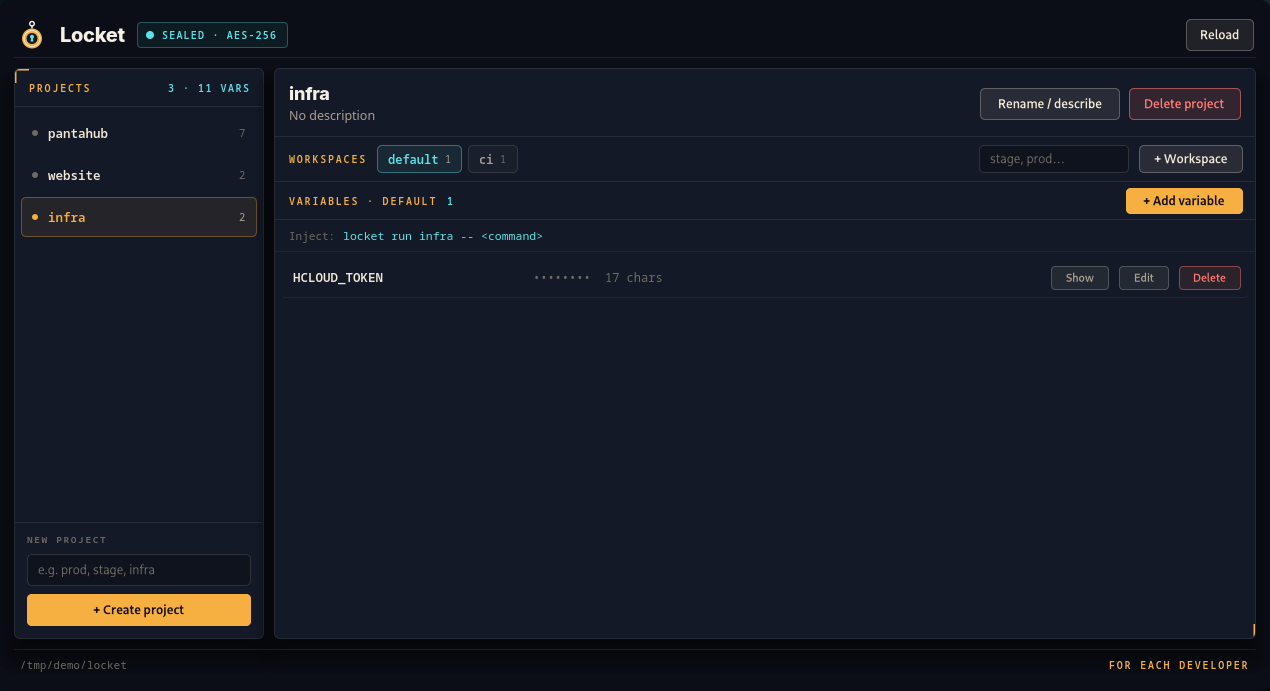
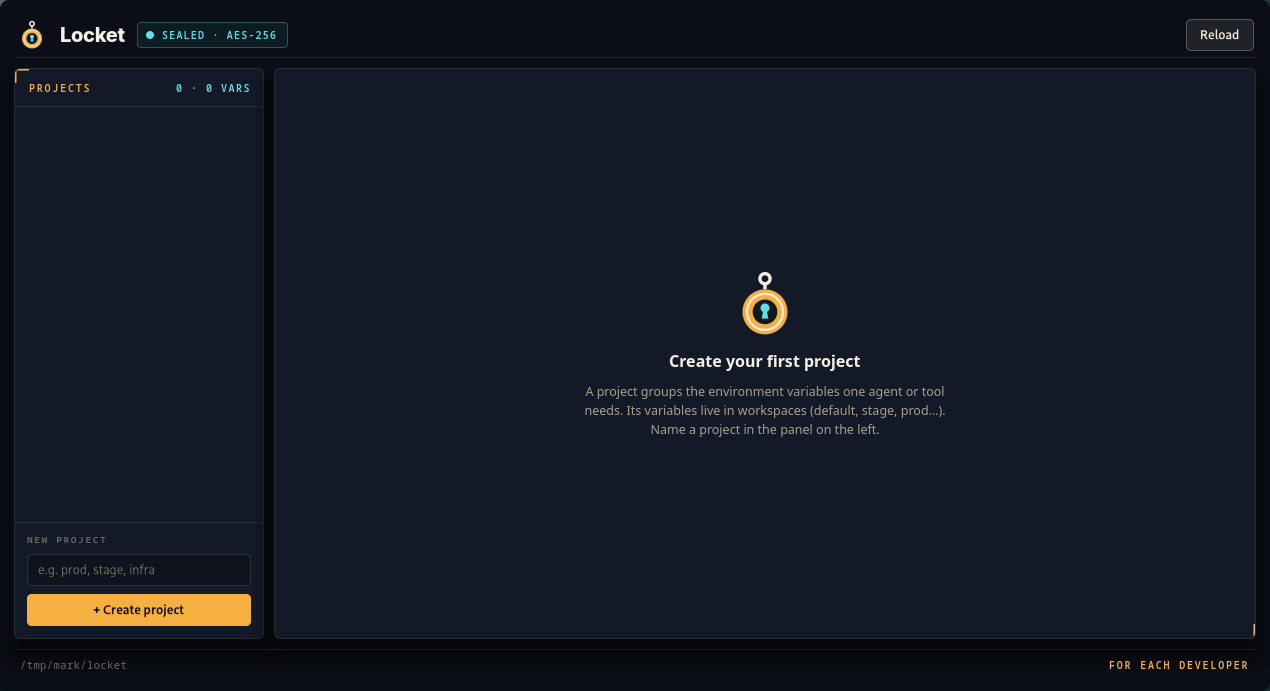
The values in these screenshots are made-up demo values.
03 · how it works
A value goes in once, and from then on only names travel.
Paste a value into the window, or pipe it to locket set pantahub/stage/PH_TOKEN. It's sealed into vault.enc with AES-256-GCM, under a key only your user can read.
Group variables by project and workspace. Store them under the names your tools already expect (DATABASE_URL, OPENAI_API_KEY) and the same script runs against stage or prod by changing one word.
locket run layers the workspace's variables over the inherited environment and starts the command. --only narrows it to a few names; --prefix injects them as LOCKET_<NAME>.
An agent lists what's available with locket ls and runs commands through Locket. The values reach the process it starts, not the transcript it writes.
# the value comes from stdin: never in argv or history
printf '%s' "$TOKEN" | locket set hub/stage/PH_TOKEN
locket set hub/API_URL < url.txt  # default

locket ls                    # projects
locket ls hub                # its workspaces
locket ls hub/stage          # variable names

locket rm hub/stage/PH_TOKEN
locket rm --workspace hub/stage$ locket run hub/stage -- ./deploy.sh
deploying to stage…
[locket injected 4 variables from hub/stage into ./deploy.sh]
# the default workspace
locket run hub -- ./agent.sh
# only some names
locket run hub/stage --only PH_TOKEN -- ./up.sh
# as LOCKET_<NAME>
locket run hub/stage --prefix -- ./agent.sh04 · with agents
Store the variables once, then put this in AGENTS.md, CLAUDE.md or the task itself, instead of pasting a token into the chat.
## Credentials

Never ask for or print secrets. Commands that need
credentials run through Locket, which injects them into
the command's environment:

    locket run pantahub/stage -- <command>

`locket ls pantahub/stage` lists the variable names.
an honest note
locket get.run without get, so the boundary is enforced, not asked for.05 · safety
Locket is careful about the few things a local vault has to get right.
vault.enc is AES-256-GCM with a fresh nonce per save, safe to copy on its own into backups or sync folders. master.key sits beside it, readable by your user only; Locket refuses a key that group or others can read.
Edits hold an exclusive lock from read to save, reads a shared one while reading: concurrent agents and the window never lose each other's changes.
A save writes a temp file, fsyncs it, renames it over the vault and fsyncs the directory. A power cut leaves the old vault or the new one, never a half-written file.
Anything running as your user can read both files. Moving the key into the OS keychain is on the roadmap.
06 · download
The desktop app and the command line, from the latest release. Both update themselves: locket update, or the app's Update button, after checking the release's signature. Free and open source.
Finding the latest release…
The AppImage updates itself; the .deb and .rpm also install locket and update with your package manager.
A disk image: drag Locket to Applications, then open it with right-click → Open the first time.
A per-user installer, no admin needed. SmartScreen asks once: More info, then Run anyway.
Put the command line on your PATH as locket. Every file is on the release page, with its checksum in SHA256SUMS.
07 · from source
You need Zig 0.16 and, for the desktop app on Linux, the GTK 4 development files (gtk4 on Arch, libgtk-4-dev on Debian and Ubuntu, gtk4-devel on Fedora).
git clone https://github.com/highercomve/locket
cd locket
scripts/install-local.sh~/.local/bin/locket # the command line
~/.local/bin/locket-app # the desktop app (AppImage)
# plus its launcher entry and icons
NO_APP=1 scripts/install-local.sh # CLI only, no GTK
zig build test # the unit testsRun the script again to rebuild from your checkout; it never touches your vault. The README covers every command and option.
08 · start
Install Locket, store your first workspace, and run your agent through it.